Rota

macOS app

Let an AI assistant handle recurring work on your Mac. Read what it did, answer its questions and continue the conversation.

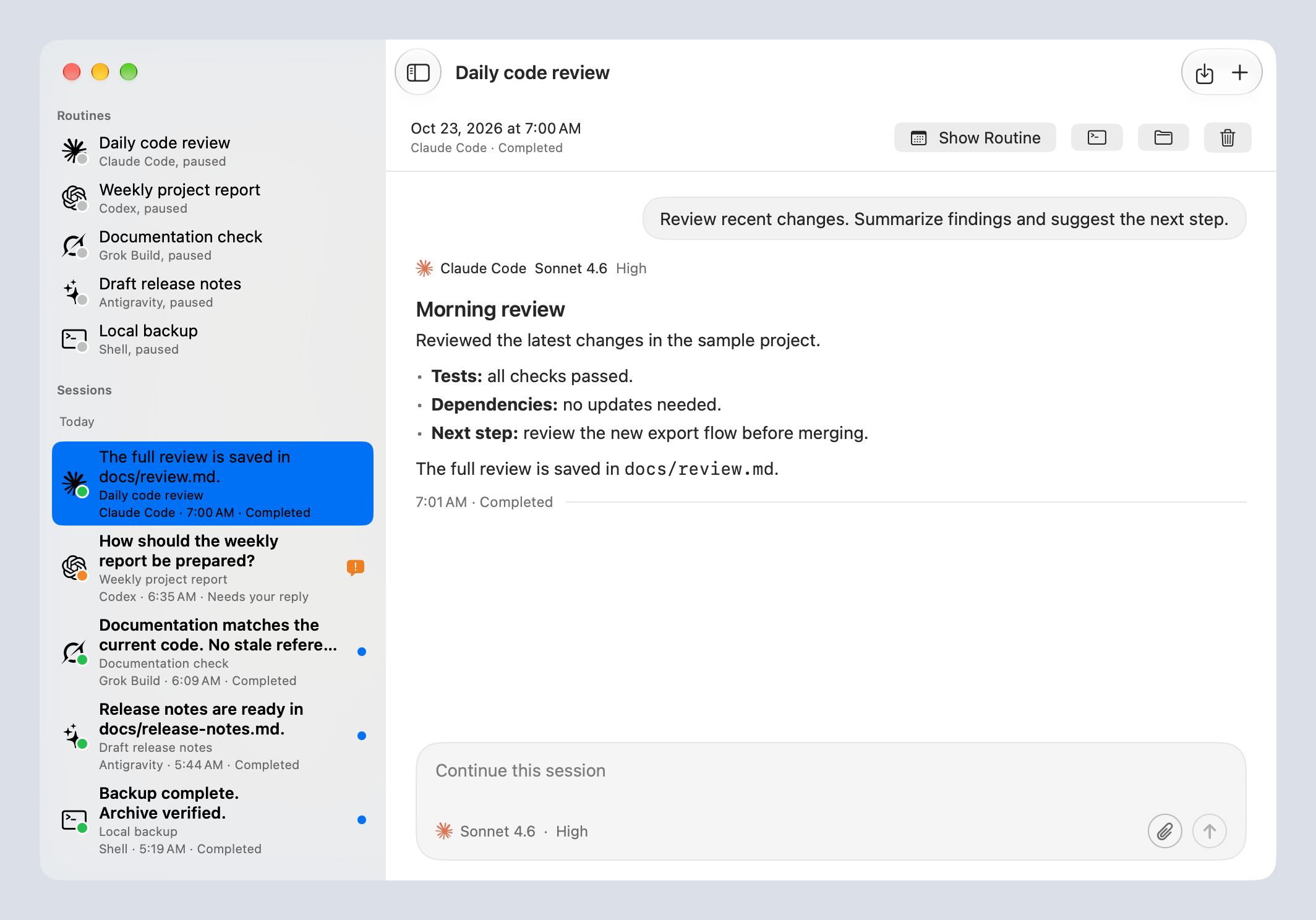
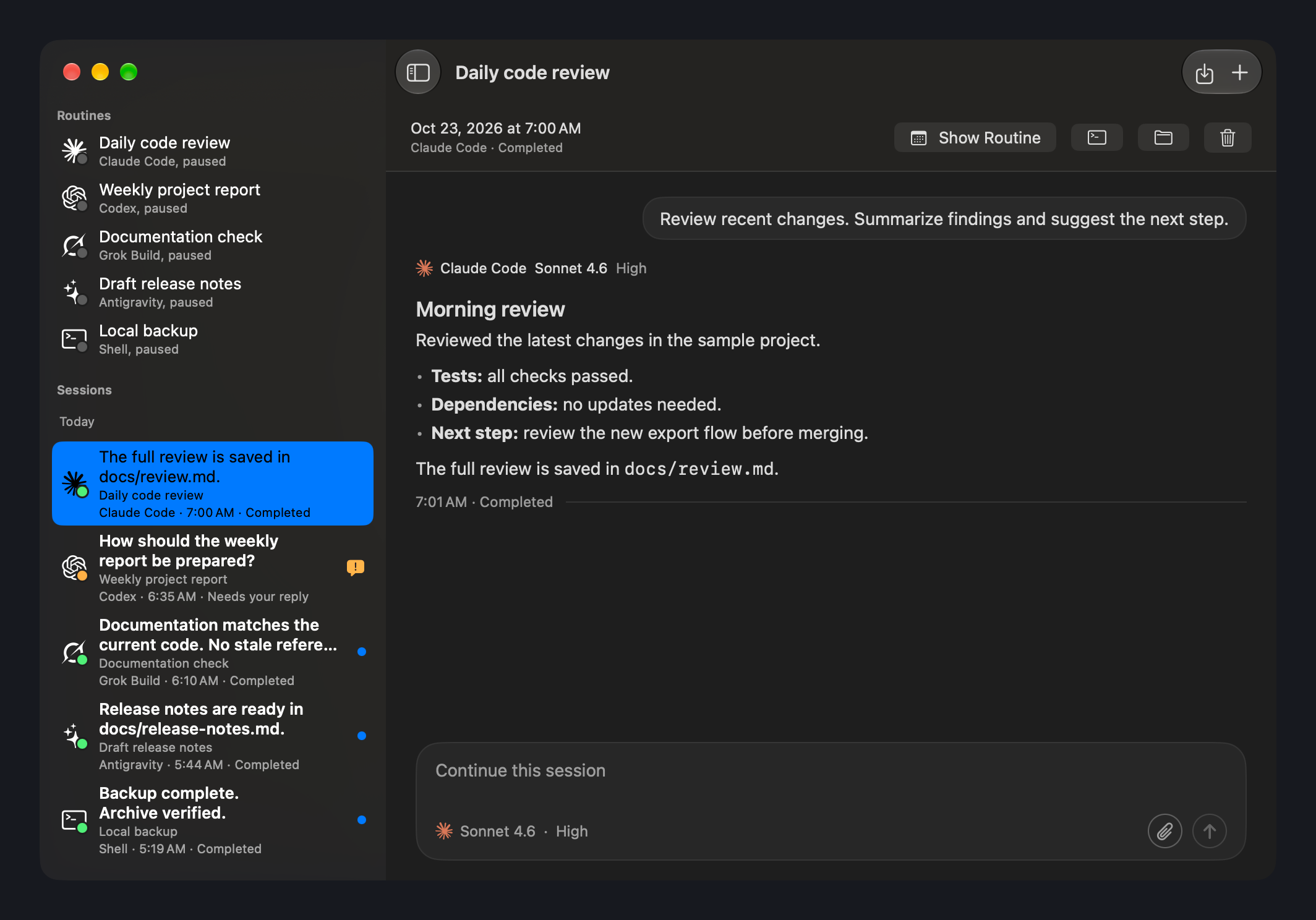
Rota with disabled example routines and an example conversation. Select an image to see it at full size.

Why I built it

I started with Claude Code, then added Codex, Grok Build and Antigravity. Keeping recurring tasks spread across different tools became a chore. I wanted one place to schedule them and see what they did, and to pick the assistant task by task.

Set it once, run it again

Choose the work folder, tell your assistant what to do and pick a schedule. While Rota is open, it runs the task at the times you choose.

Read the result and keep going

Each run has its own conversation. Check the result, ask a follow-up question or give the assistant more information. Load earlier messages while keeping your place in the conversation.

See what needs your attention

Unread results and unanswered questions stay visible. You can return to the work that needs a decision without opening every conversation.

Use the assistant you already work with

Rota supports Claude Code, Codex, Grok Build and Antigravity, and you choose an assistant for each task. A task can also be a plain command that runs on schedule with no AI at all.

Bring your schedules along

Rota can copy the scheduled tasks you already have in Claude Desktop or the Codex app, so you don’t set them up again.

Or just ask

Once you allow it, tell your assistant something like “run this every weekday at 9”, and it adds the task to Rota for you.